Activation
Activate your eSIM with SimWallet
Your eSIM is installed. Perfect. Now you only need to activate it when you're ready to use mobile data. No eSIM installed yet? Discover here how to do this.
When should you activate your eSIM?

Traveling abroad?
Going on a trip overseas? Before you leave, make sure your eSIM is set up in your phone's eSIM settings. Once you arrive at your destination, the eSIM will automatically activate and connect to the local mobile network. That way, you travel worry-free and use your data exactly when you need it. Or simply activate your eSIM while waiting for your luggage. That works too.
Using SimWallet in the Netherlands?
You can activate your eSIM right away after purchasing a bundle or wait until you actually need the data. Whatever works best for you.
How to activate your eSIM:
- 1Open your device settings
- 2Turn on your SimWallet eSIM
- 3Enable data roaming for your eSIM
- 4Select SimWallet as your mobile data
- Done! You're online
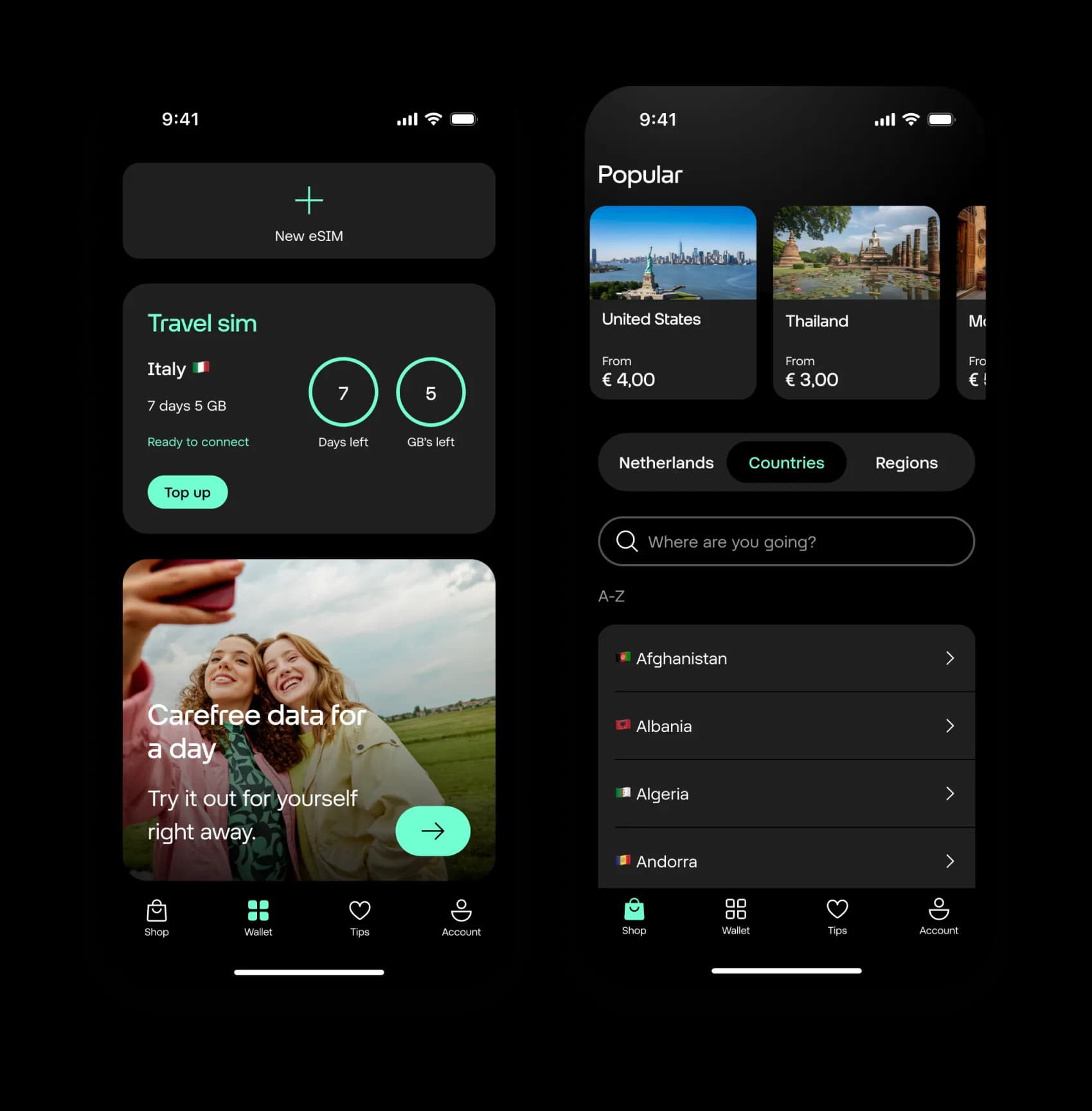
Visiting multiple countries?
Traveling through several countries? There's no need to reinstall your eSIM. Simply choose a new bundle in the app for your next destination. Or a regional data bundle might be more cost-effective for you.
View bundles